

ConnectStar
A messaging app designed around your faith
Download the app


Available on iPhone and iPad and on Android.
What is ConnectStar?
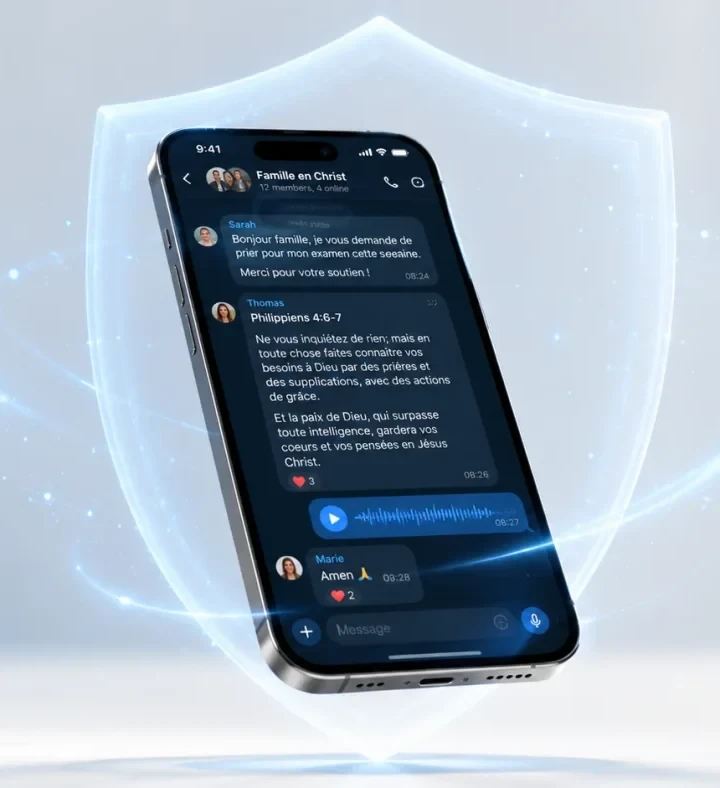
ConnectStar is a messaging app for Christians. It brings private conversations, prayer groups and the Bible together in one app.
- Private conversations, one-to-one or in groups
- Prayer groups and intercession chains
- Bible built into the app
- Media sharing, replies and reactions
- Free app, with no ads
Features announced by ConnectStar on its official website, consulted on September 15, 2026.
Three ways to use it.
Stay in touch
Talk with your loved ones and share the news that matters.

Pray together
Meet your group around the intentions you want to entrust to it.
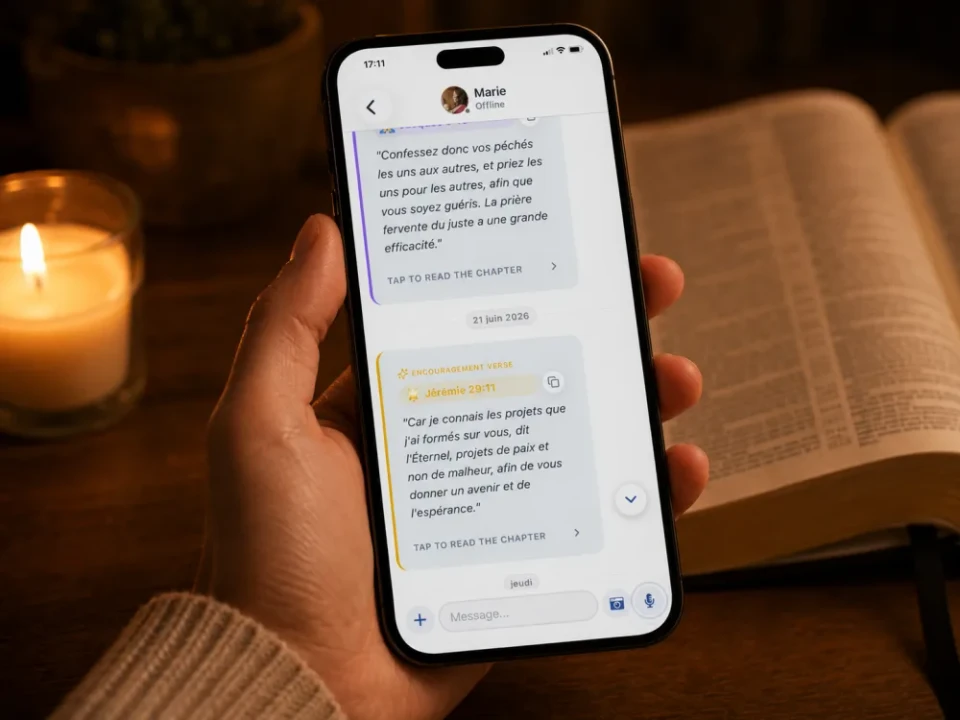
Share the Bible
Find a passage and share it in your conversations.
Your conversations deserve to stay personal.
Here is what ConnectStar's policy states — and where each commitment ends. These are its own statements: no independent audit has been published.
Your conversations
Private messages and groups are end-to-end encrypted, according to ConnectStar's policy.
Public channels are not covered: what you post there is visible to every user of the app.
Account data
ConnectStar's policy lists: phone number, display name, profile photo, and an optional email address.
This information is not end-to-end encrypted: it is what identifies the account.
Technical data
IP address, device type, operating system and device identifier are collected.
Content encryption doesn't cover them. That's what the policy says, and it's true of any messaging app.
Advertising and resale
ConnectStar states that it never sells personal data or uses it for advertising profiles.
No independent audit has been published. It is a publisher's commitment, not a verified guarantee.
Getting started.
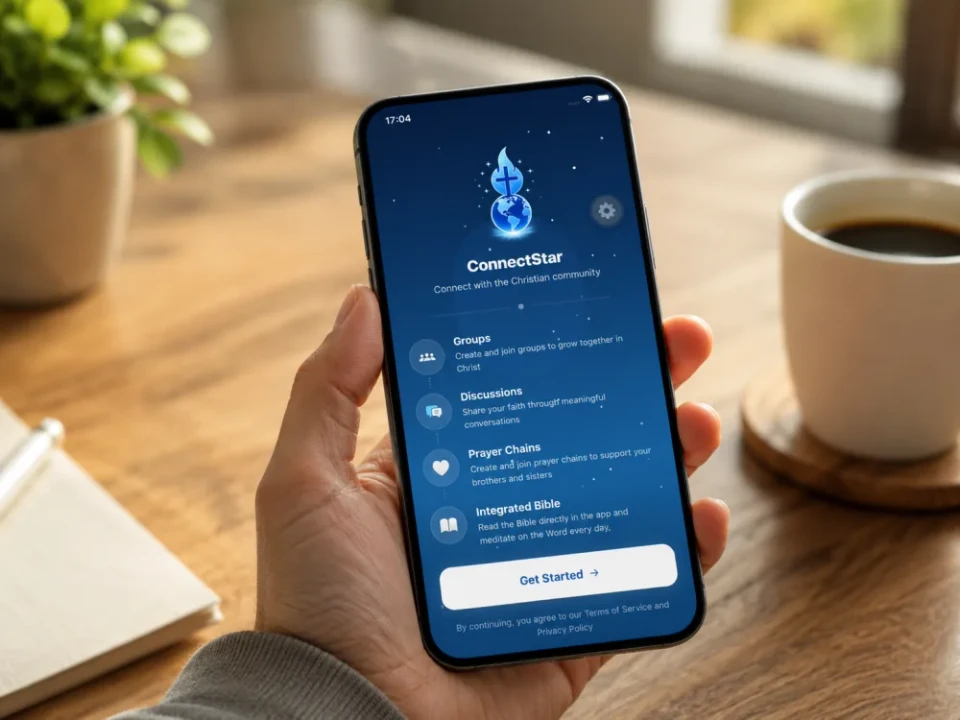
Step 1
Download the app
From the App Store on iPhone, or Google Play on Android.
Step 2
Create your account
You sign up with a phone number. No bank card is requested.
Step 3
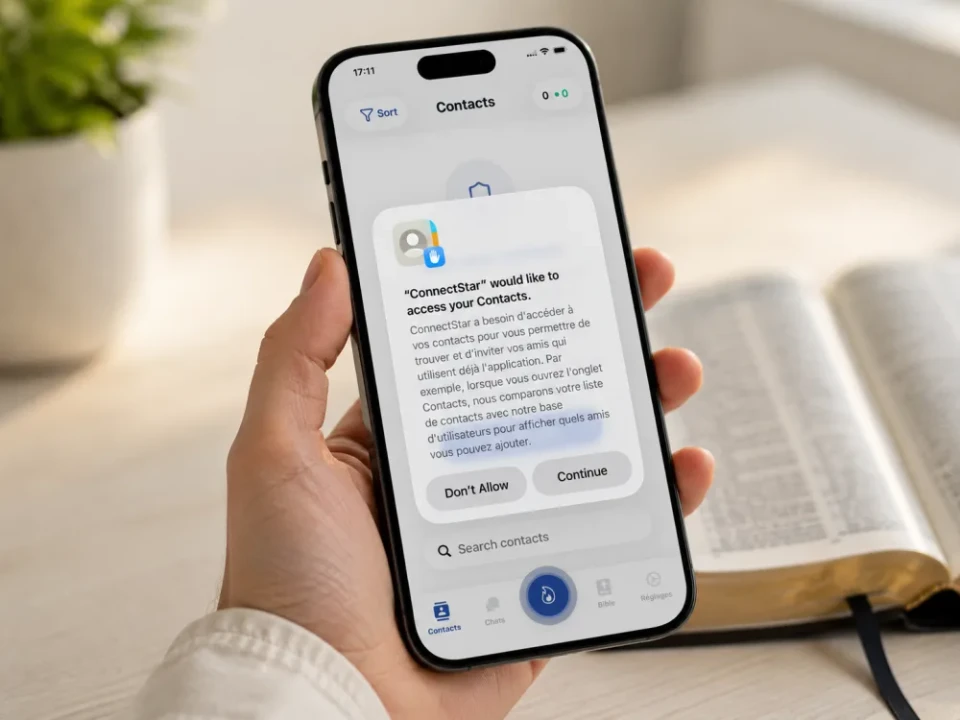
Find your loved ones
Once your contacts are found, conversations and groups open up.
Useful questions.
- Who is ConnectStar for?
- For people who want to talk, pray and read the Bible in a single app. Its publisher presents it as a messaging app for Christians.
- Is the app available on iPhone and Android?
- Yes. It is published on the App Store and on Google Play; both listings are linked on this page.
- Can I find a prayer group there?
- Yes. Prayer groups and intercession chains are among the features announced by ConnectStar.
- How does ConnectStar describe the protection of conversations?
- Its policy states that private messages and groups are end-to-end encrypted, that public channels are not, and that technical data such as the IP address is collected. This is a publisher's statement, with no independent audit published.
- Is ConnectStar linked to my TselCloud space?
- No. They are two separate products, with two separate accounts. Nothing moves automatically from one to the other.
Find your community on ConnectStar.
Available on iPhone and iPad and on Android.